thumbnail image
  • Home
  • Products
  • Solutions
  • About Us
  • Contact Us
  • Support
  • …  
    • Home
    • Products
    • Solutions
    • About Us
    • Contact Us
    • Support
  • Home
  • Products
  • Solutions
  • About Us
  • Contact Us
  • Support
  • …  
    • Home
    • Products
    • Solutions
    • About Us
    • Contact Us
    • Support
  • Support

    Setup guides & downloads

    1 shared guide · TBH-MO / TBH-SU / TBH-CORD

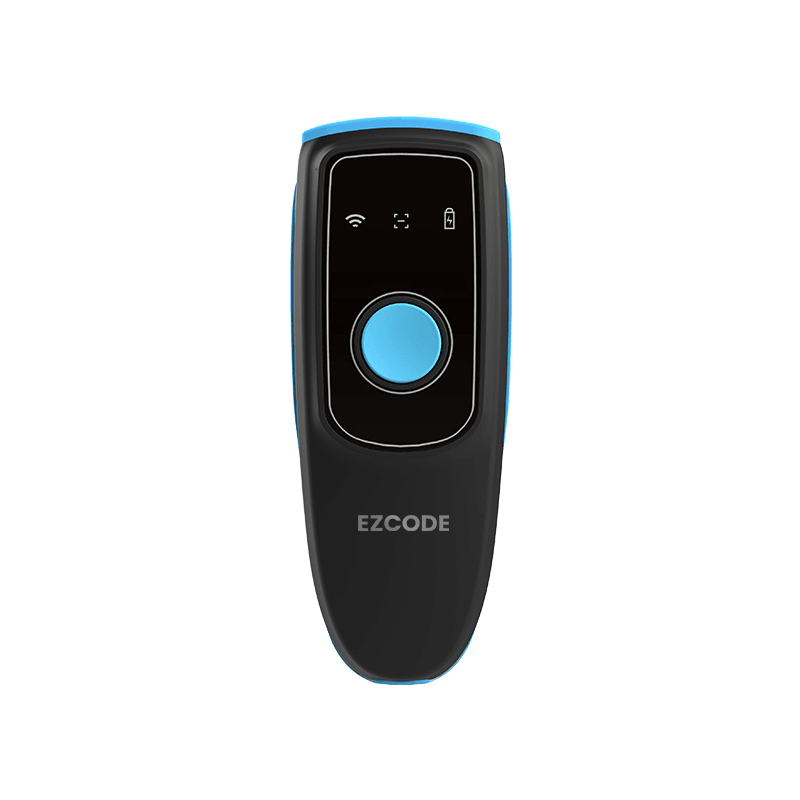
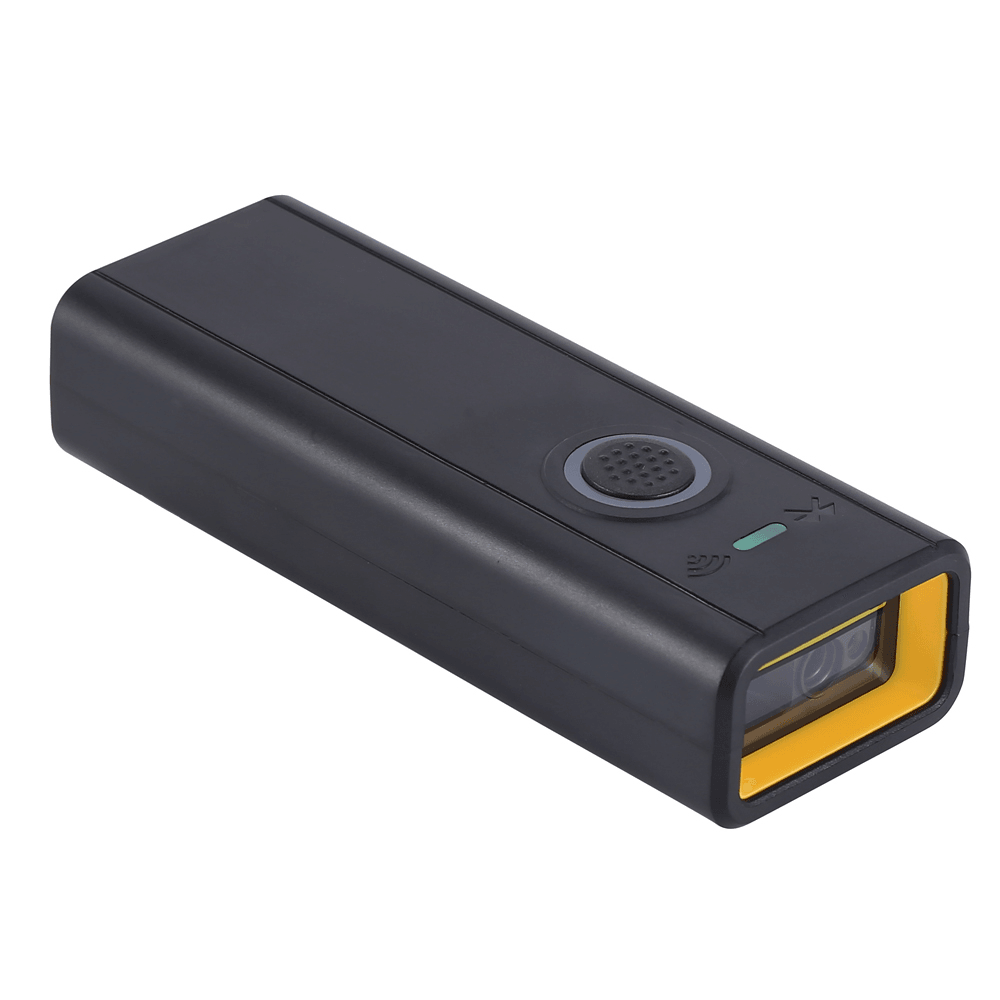
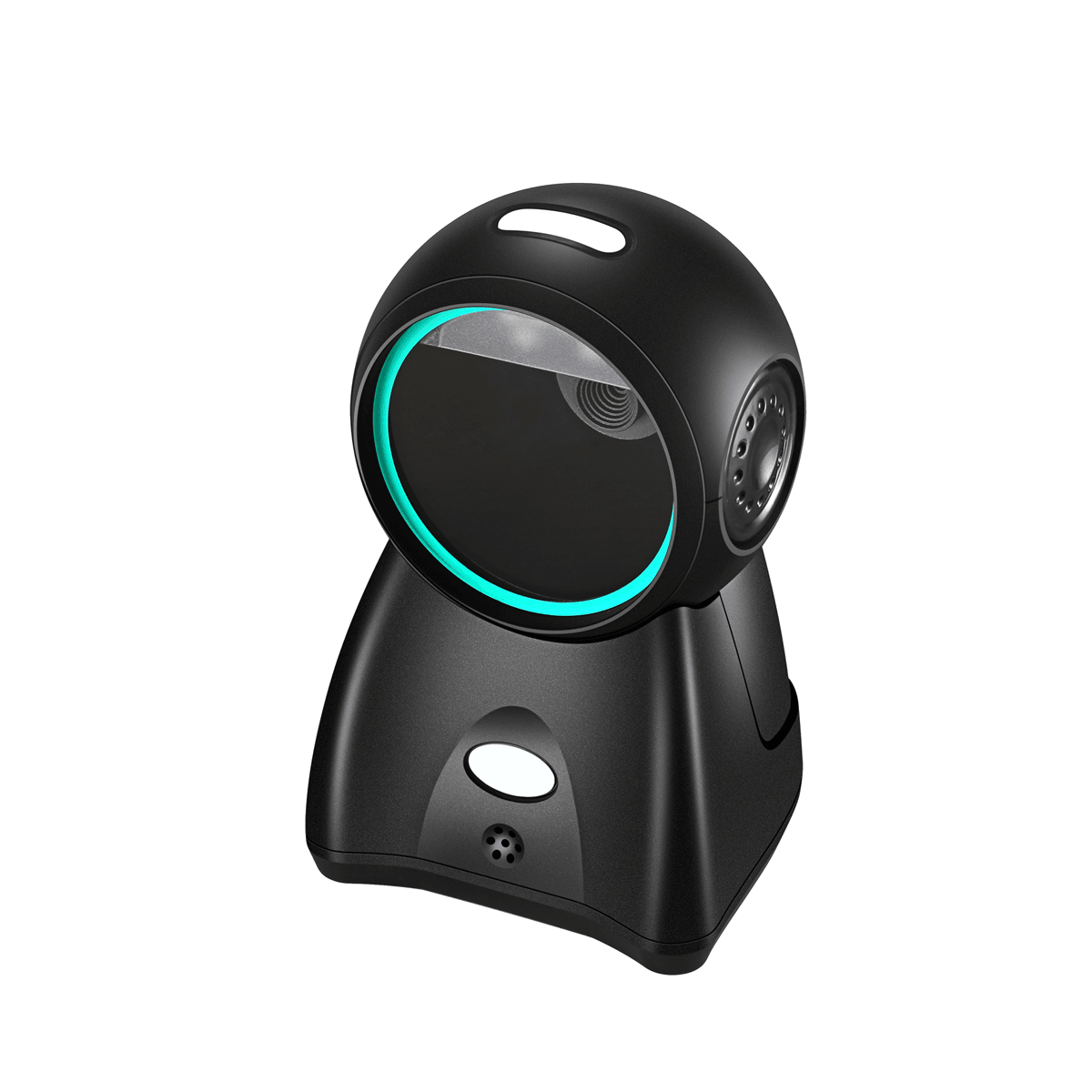
    TBH-MO, TBH-SU and TBH-CORD setup image guideTBH-MO · TBH-SU · TBH-CORDTap to open / close image guide ↓

    Scroll to the setting you need. Scan only the code for that function.
    To save: tap Open image, then touch and hold the image and choose Save Image or Download image.

    Factory reset — EZCODE setup instructions and configuration code
    Factory resetOpen image ↗
    Auto sensing — EZCODE setup instructions and configuration code
    Auto sensingOpen image ↗
    Continuous scanning — EZCODE setup instructions and configuration code
    Continuous scanningOpen image ↗
    Manual scanning — EZCODE setup instructions and configuration code
    Manual scanningOpen image ↗
    1D barcode only — EZCODE setup instructions and configuration code
    1D barcode onlyOpen image ↗
    QR code only — EZCODE setup instructions and configuration code
    QR code onlyOpen image ↗

    Wireless settings

    TBH-MO and TBH-SU only. Not for TBH-CORD.

    Bluetooth pairing — EZCODE setup instructions and configuration code
    Bluetooth pairingOpen image ↗
    Bluetooth SPP — EZCODE setup instructions and configuration code
    Bluetooth SPPOpen image ↗
    2.4G wireless — EZCODE setup instructions and configuration code
    2.4G wirelessOpen image ↗
    Receiver pairing — EZCODE setup instructions and configuration code
    Receiver pairingOpen image ↗

Copyright © 2026 EZCODE. All Rights Reserved.

Powered By
    Home
    Contact
Cookie Use
We use cookies to ensure a smooth browsing experience. By continuing we assume you accept the use of cookies.
Learn More