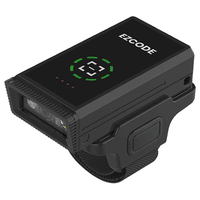

TBH Setup Guides
TBH-MO · TBH-SU · TBH-CORD
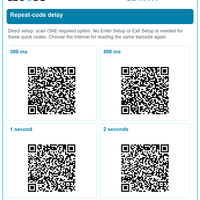
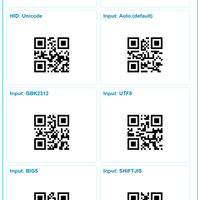
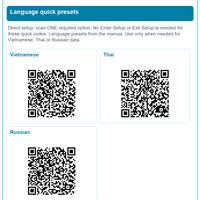
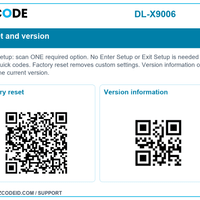
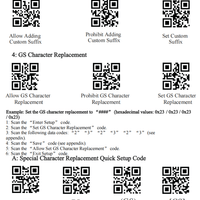
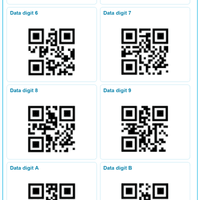
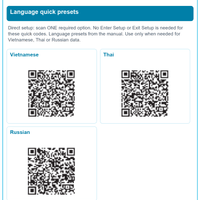
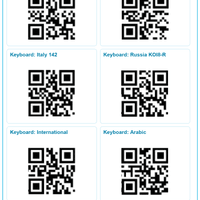
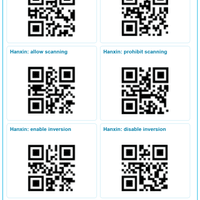
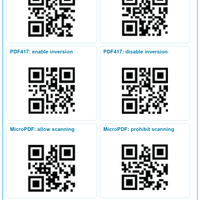
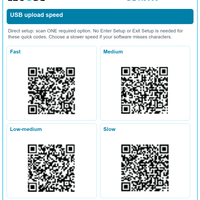
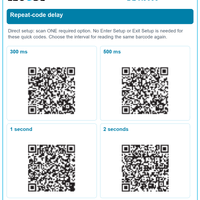
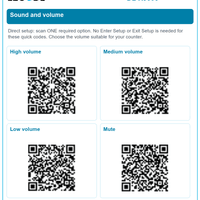
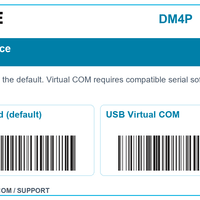
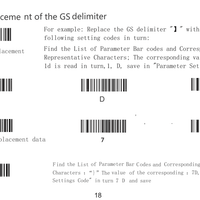
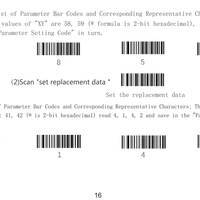
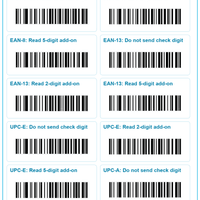
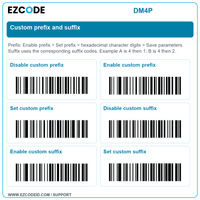
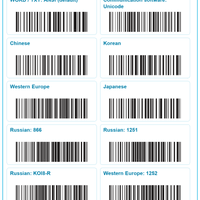
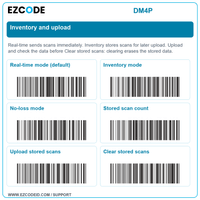
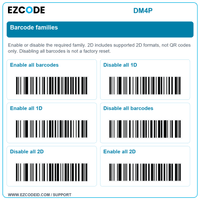
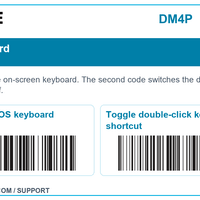
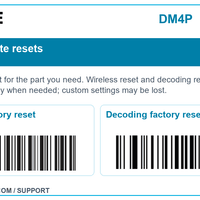
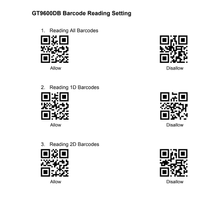
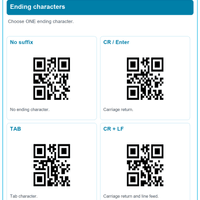
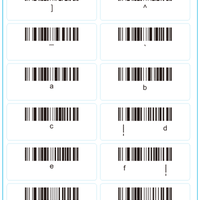
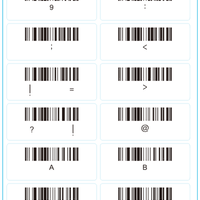
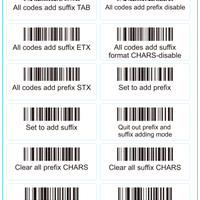
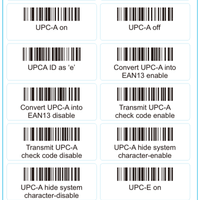
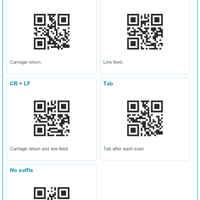
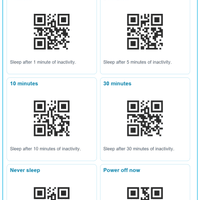
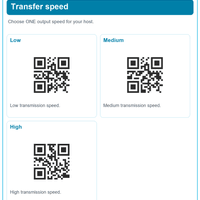
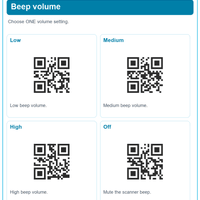
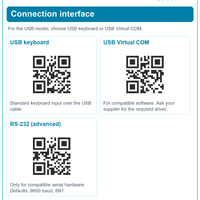
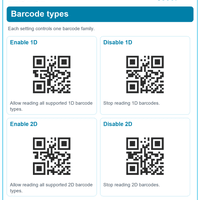
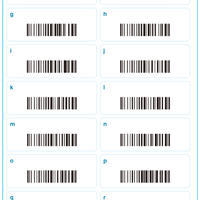
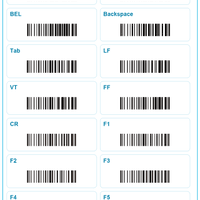
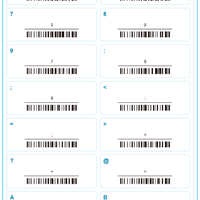
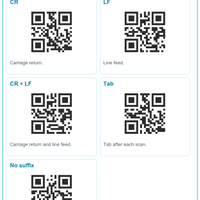
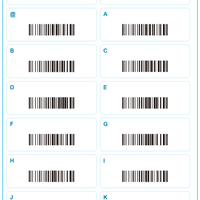
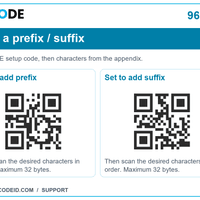
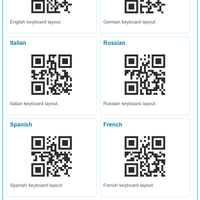
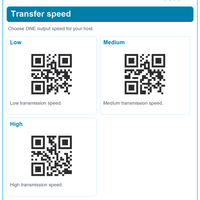
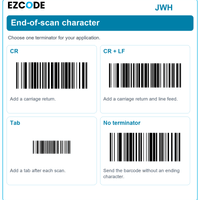
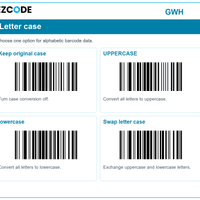
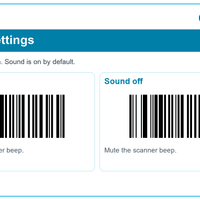
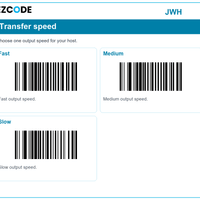
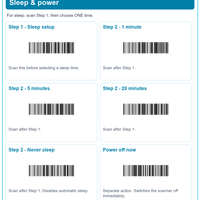
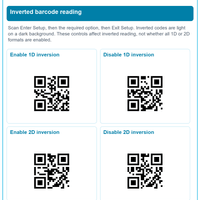
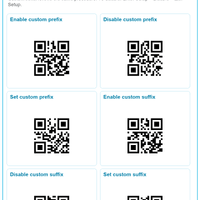
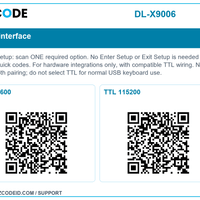
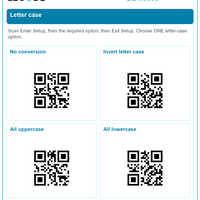
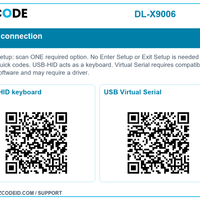
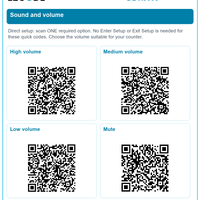
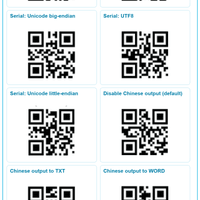
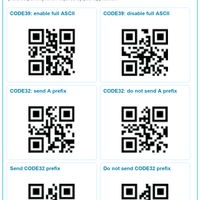
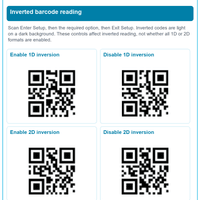
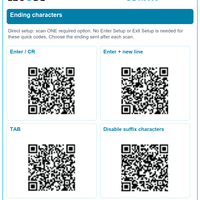
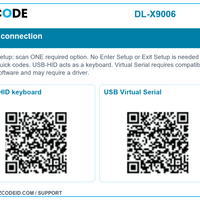
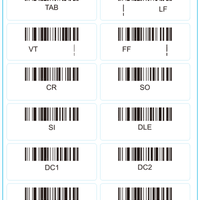
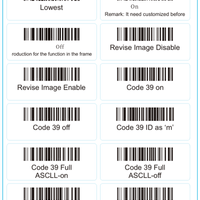
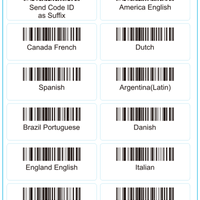
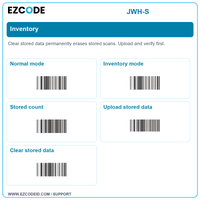
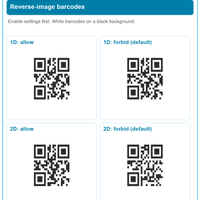
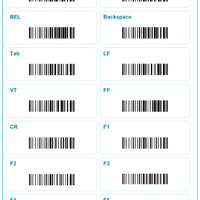
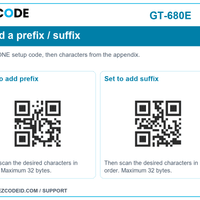
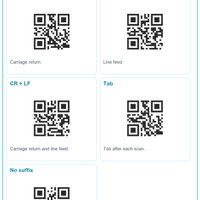
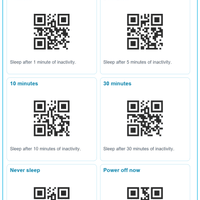
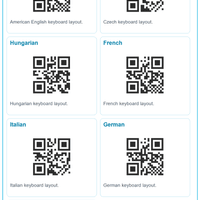
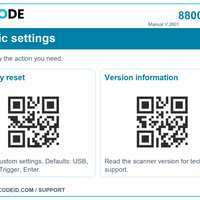
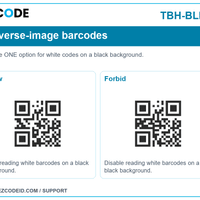
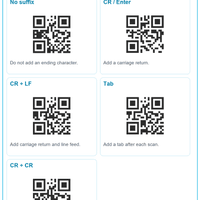
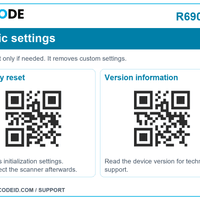
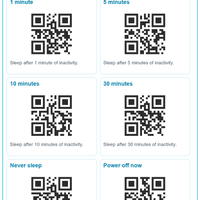
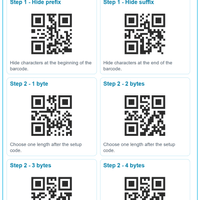
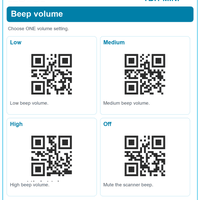
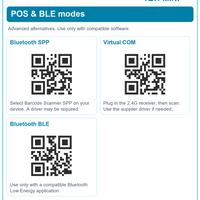
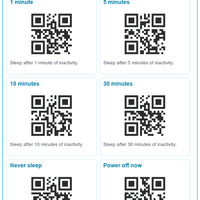
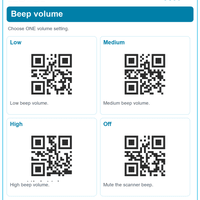
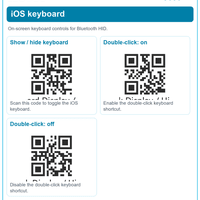
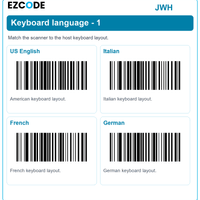
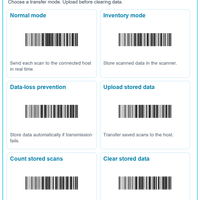
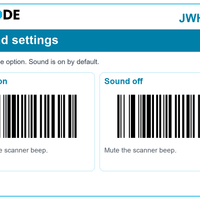
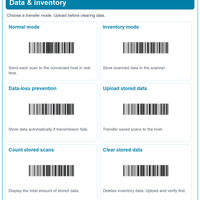
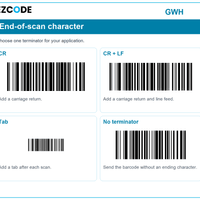
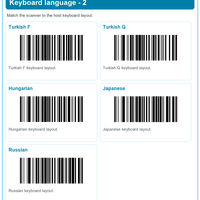
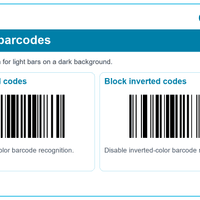
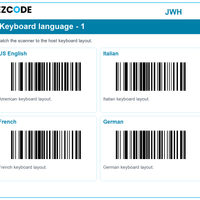
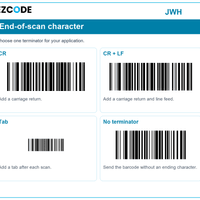
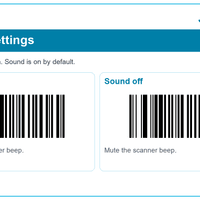
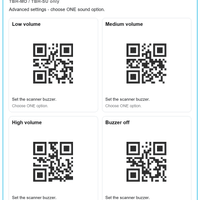
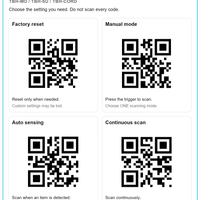
Scroll to the setting you need. Scan only the code shown for that function.
To save an image: tap Open image, then touch and hold the image and choose Save Image or Download image.
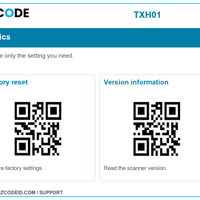
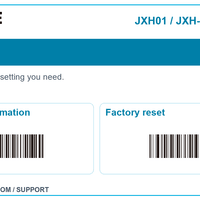
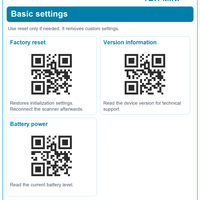
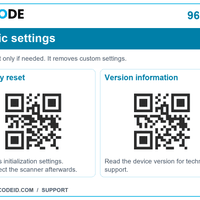
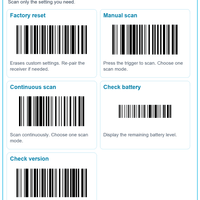
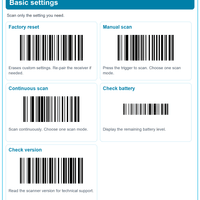
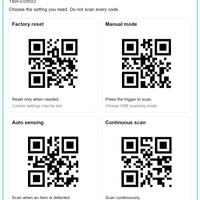
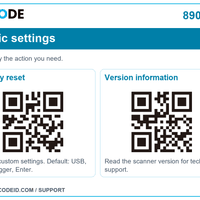
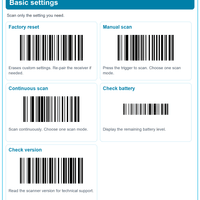
01 / Factory resetOpen image ↗ 
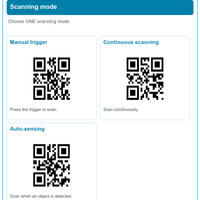
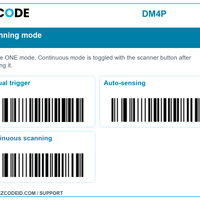
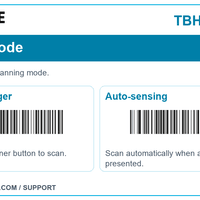
02 / Auto sensingOpen image ↗ 
03 / Continuous scanningOpen image ↗ 
04 / Manual scanningOpen image ↗ 
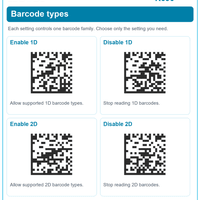
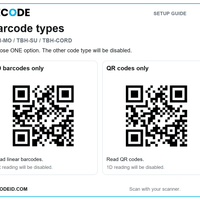
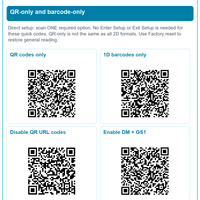
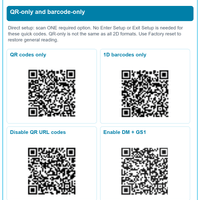
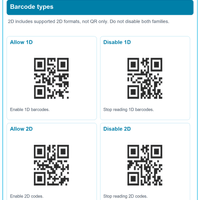
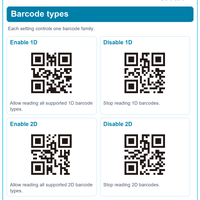
05 / 1D barcode onlyOpen image ↗ 
06 / QR code onlyOpen image ↗ Wireless settings
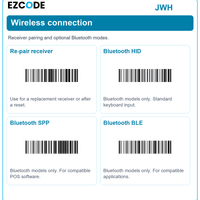
TBH-MO and TBH-SU only. Not for TBH-CORD.

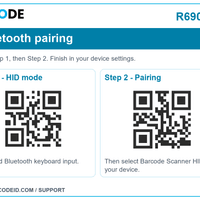
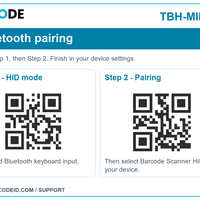
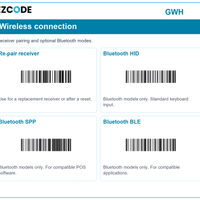
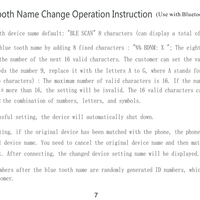
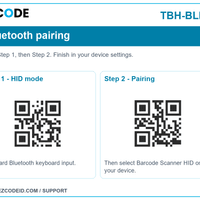
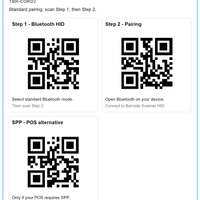
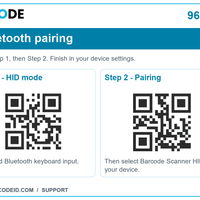
07 / Bluetooth pairingOpen image ↗ 
08 / Bluetooth SPPOpen image ↗ 
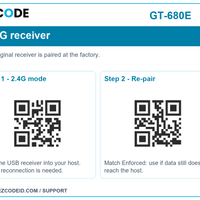
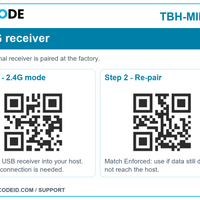
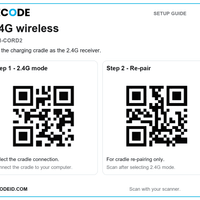
09 / 2.4G wirelessOpen image ↗ 
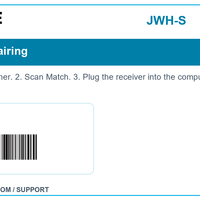
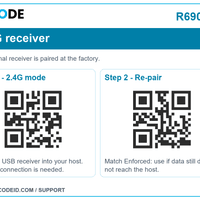
10 / Receiver pairingOpen image ↗ 立即下单
请查看我们的扫码设备和打印设备。
图册
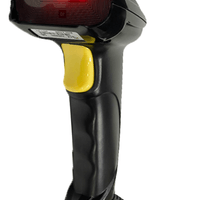
我们的扫码设备和打印设备展示